> ## Documentation Index
> Fetch the complete documentation index at: https://documentation.slotify.com.tr/llms.txt
> Use this file to discover all available pages before exploring further.
# Business Page
> Check the experts, location and reviews
# Business Page
Get to know the business before you book.
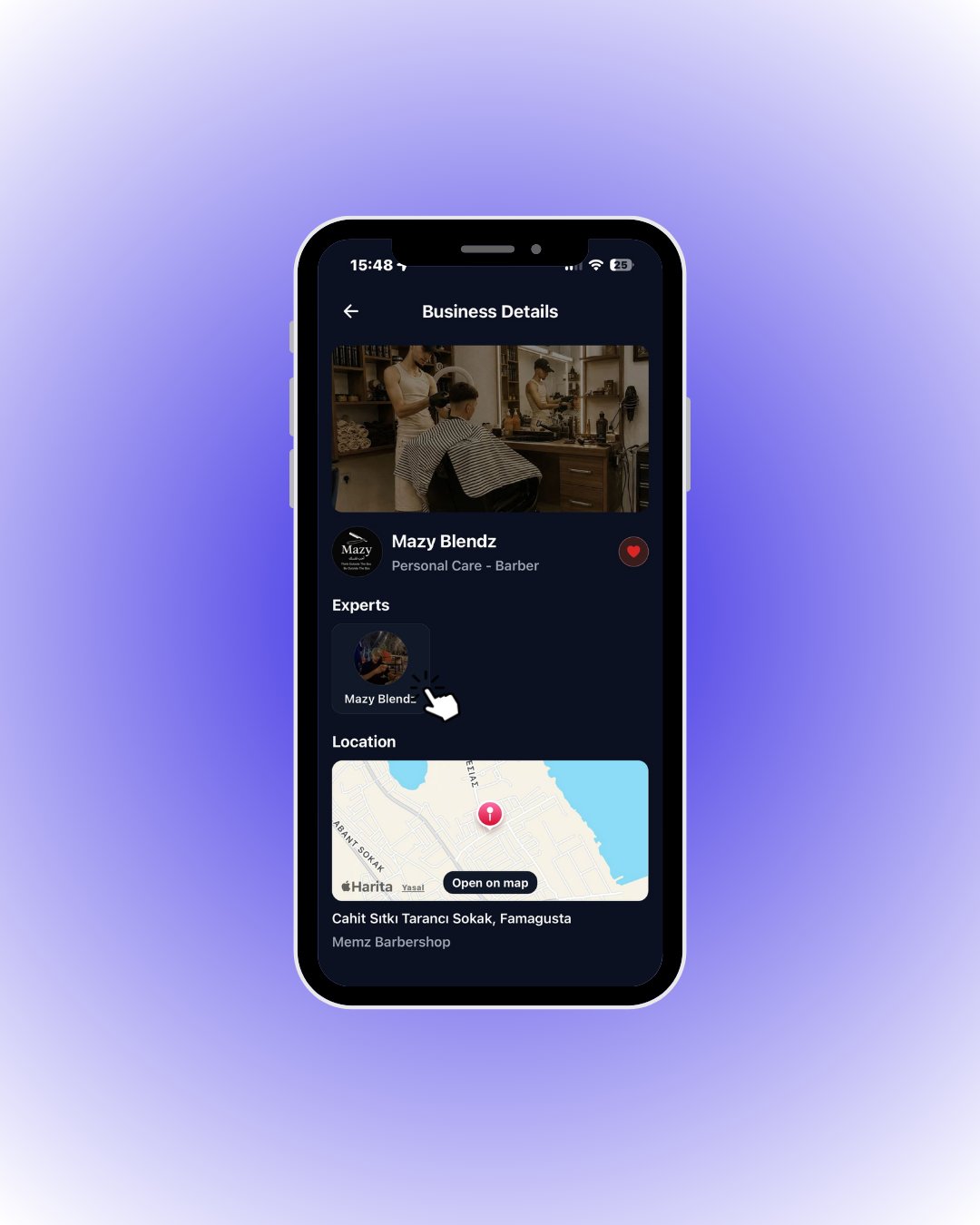 The cover photo, logo, name and category are on top; the ❤️ adds it to favourites. Below you find the experts, the location map and customer reviews.
To book, tap the expert you want under **Experts** — the selection panel opens.
| Field / Element | What it means |
| -------------------------- | ------------------------------------------------------------------ |
| **Cover photo** | The first photo from the business gallery. |
| **❤️ Favourite** | Saves the business to your favourites for quick access. |
| **Experts** | The people working there. A booking is always made with an expert. |
| **Location + Open on map** | Where the business is; **Open on map** gives you directions. |
| **Reviews** | Scroll down for ratings and comments from previous customers. |