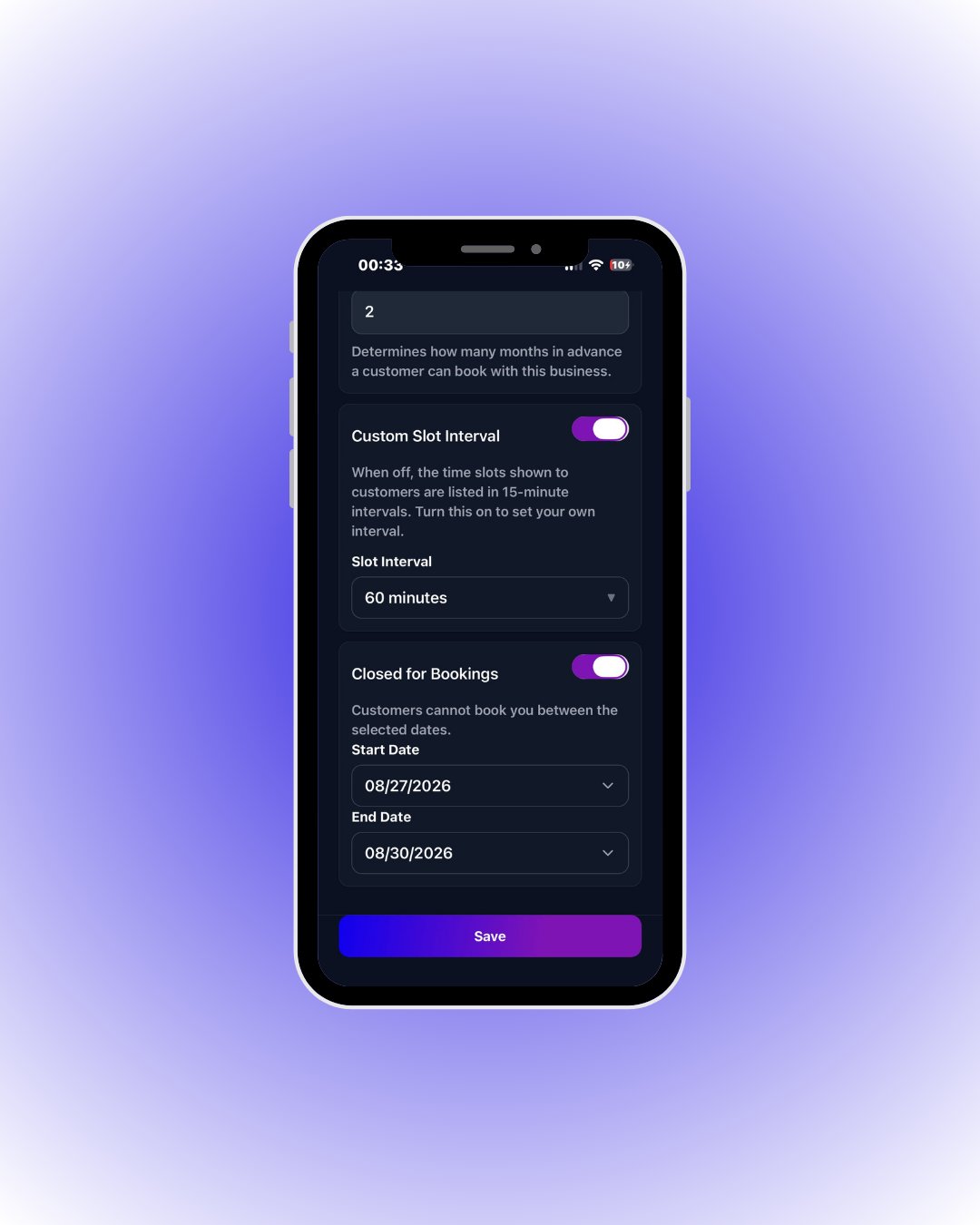
 **Custom Slot Interval** lists times every e.g. 60 minutes instead of 15. **Closed for Bookings** blocks reservations entirely between two dates — perfect for holidays.
Remember to tap **Save** after changing settings — unsaved settings are not applied.
| Field / Element | What it means |
| ------------------------------------ | ------------------------------------------------------------------------------------------------------------------------------- |
| **Auto Approval** | On: customer bookings become **Confirmed** instantly. Off: they arrive **Pending** and wait for your approval. |
| **Maximum advance booking (months)** | How many **months** ahead a customer can book. E.g. 2 → nothing beyond two months. |
| **Custom Slot Interval** | Off: slots are listed every 15 minutes. On: pick your own interval from **Slot Interval** (e.g. 60 min → 09:00, 10:00, 11:00…). |
| **Closed for Bookings** | While on, customers cannot book you between **Start Date – End Date** (holidays). You can still add bookings from the panel. |
| **Save** | Stores every setting on this page. |
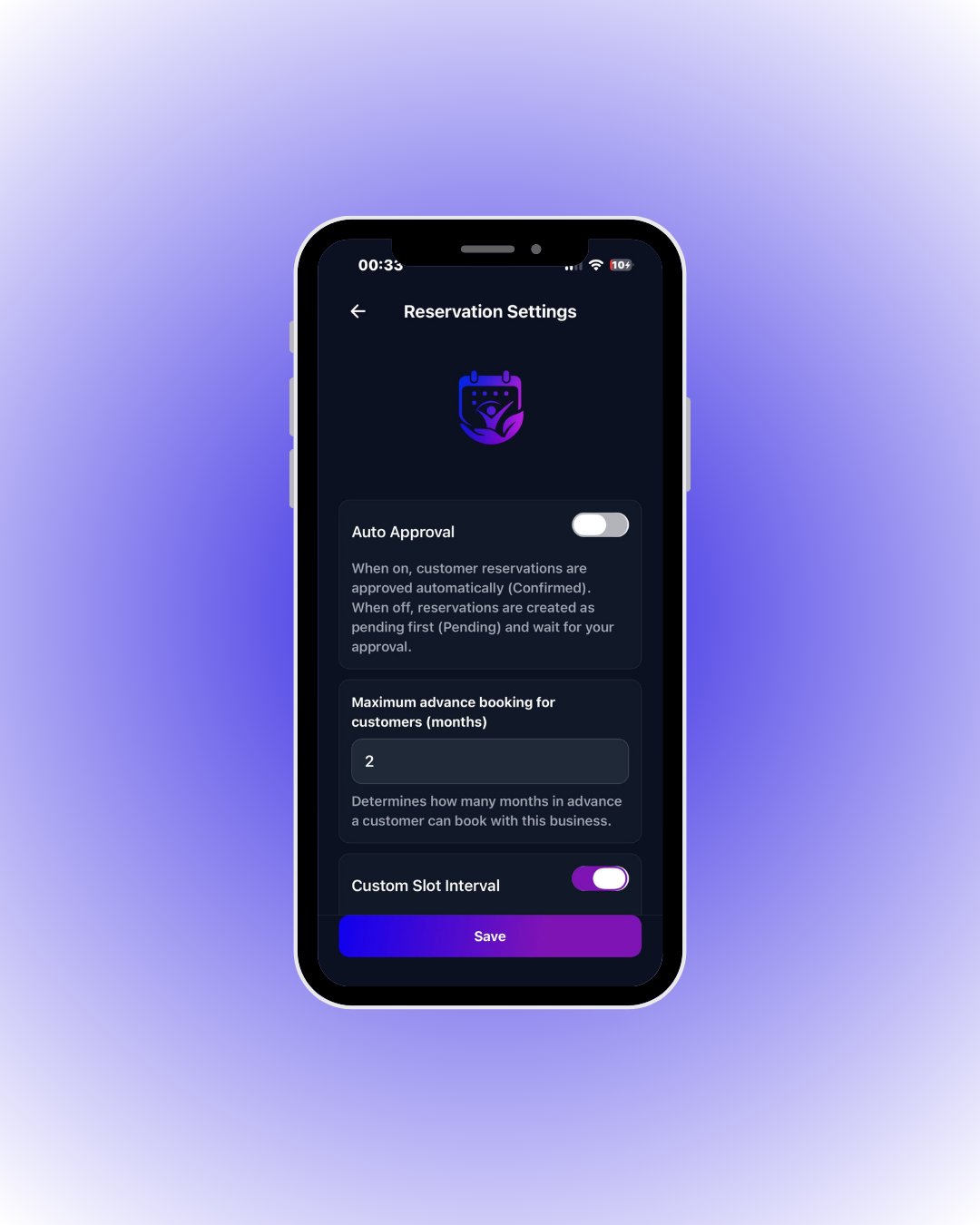 With **Auto Approval** on, incoming reservations are confirmed automatically; when off they arrive as *Pending* for you to approve. **Maximum advance booking** limits how many months ahead customers can book.