> ## Documentation Index
> Fetch the complete documentation index at: https://documentation.slotify.com.tr/llms.txt
> Use this file to discover all available pages before exploring further.
# Customer Notifications (Web)
> Notify all your customers from the web
# Customer Notifications
Announce campaigns to all your customers from the web panel.
🌐 **URL:** [`https://admin.slotify.com.tr/notify-customers`](https://admin.slotify.com.tr/notify-customers) · 🧭 **Menu:** **Booking Management → Notify Customers**
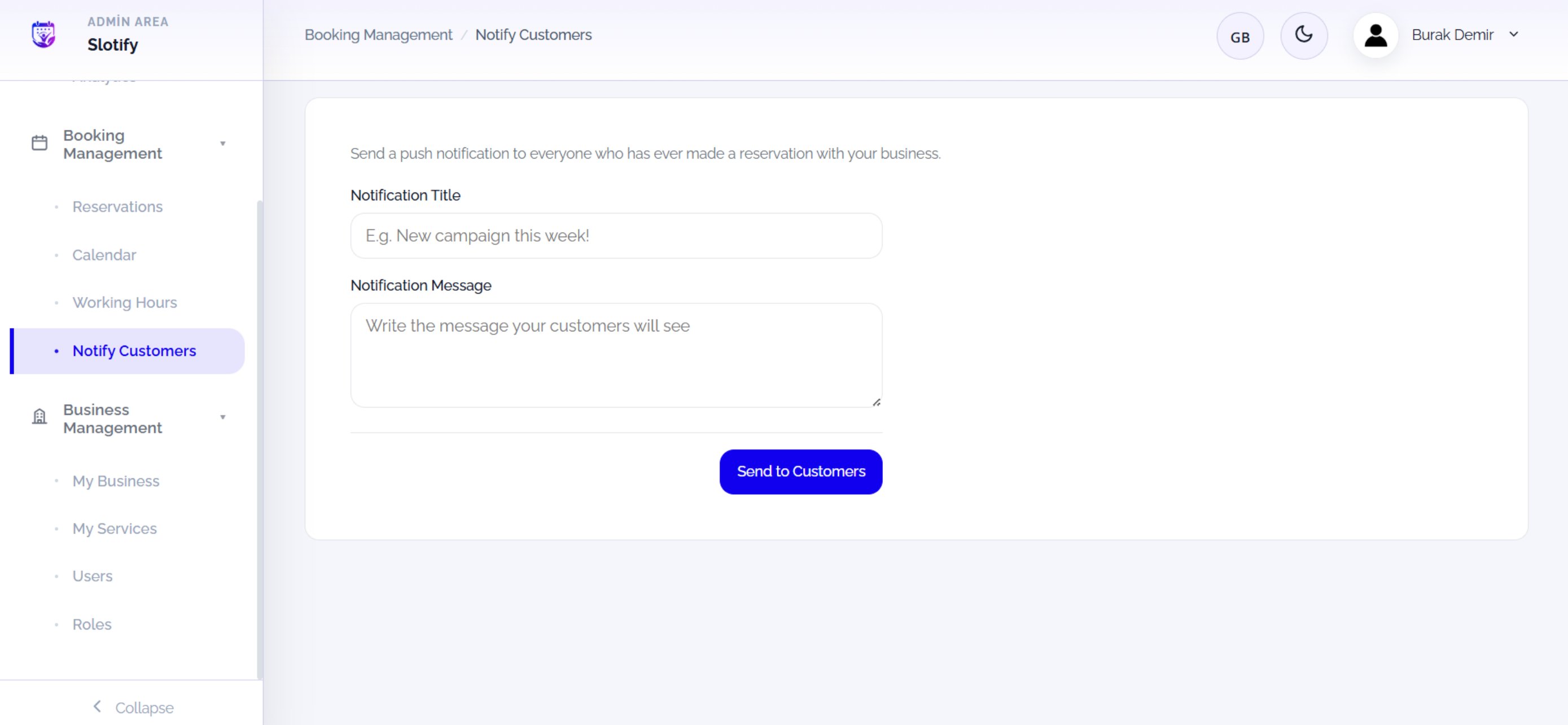 A push notification goes to everyone who has ever booked with you.
Write the title and message, then click **Send to Customers**.
| Field / Element | What it means |
| ------------------------ | --------------------------------------------------- |
| **Notification Title** | The bold headline (e.g. *New campaign this week!*). |
| **Notification Message** | The text your customers will see. |
| **Send to Customers** | Sends instantly to all customers. |