> ## Documentation Index
> Fetch the complete documentation index at: https://documentation.slotify.com.tr/llms.txt
> Use this file to discover all available pages before exploring further.
# Working Hours
> Define your bookable days and hours
# Working Hours
The time slots your customers see are generated from the ranges you define here.
📱 🧭 **Menu:** **My Business → Edit working hours**
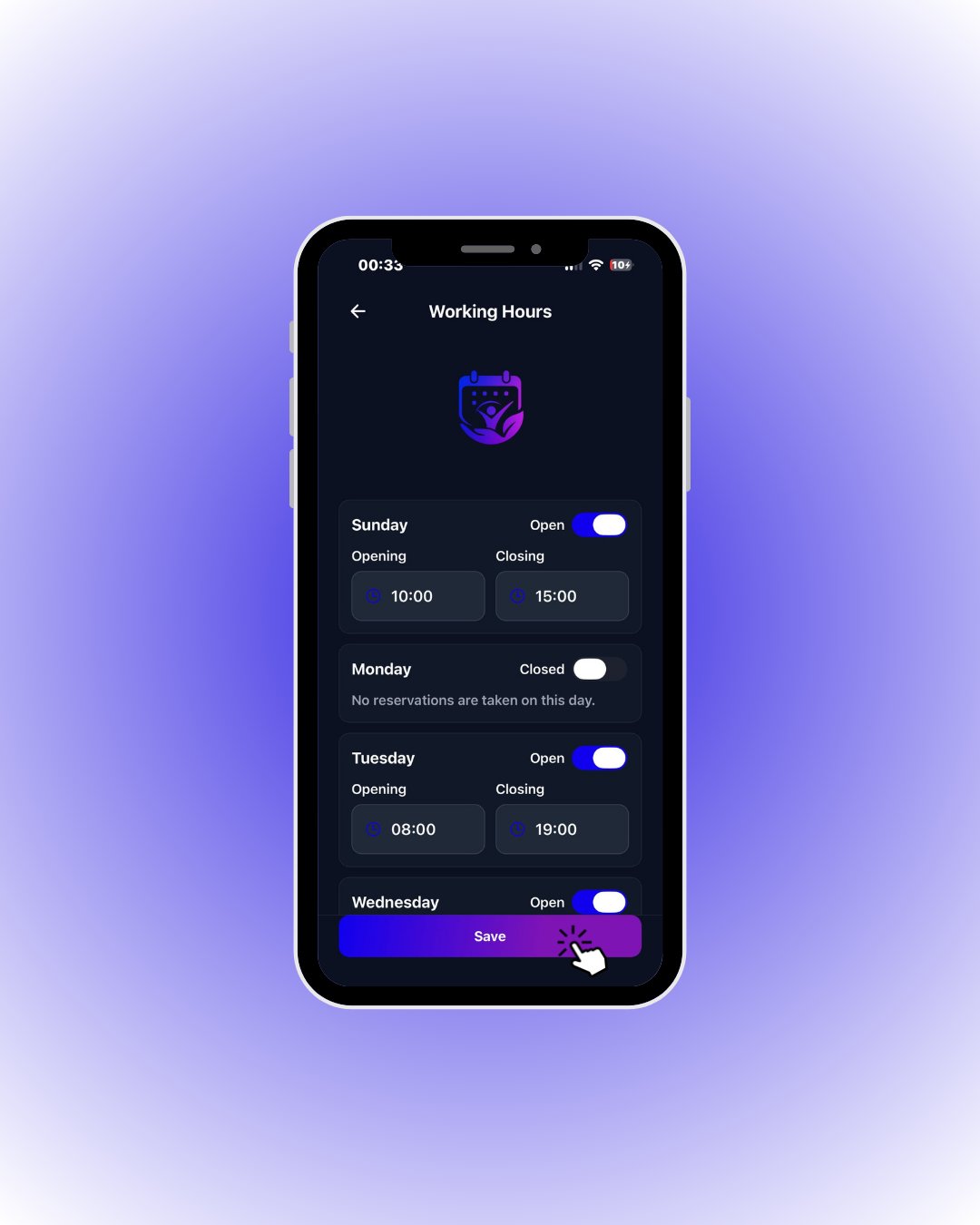 Use the **Open/Closed** switch per day; set **Opening** and **Closing** times for open days. Customers cannot book on closed days.
Always tap **Save** when you are done. Your working hours must be saved before you can start taking reservations — unsaved changes are never shown to customers.
Each staff member has their own working hours — define them separately for everyone on the team.
| Field / Element | What it means |
| ------------------------ | --------------------------------------------------------------------------------------------------------------------------------- |
| **Open / Closed switch** | Whether that day is bookable. On **Closed** days the app says “No reservations are taken on this day” and customers never see it. |
| **Opening** | First bookable time of the day. |
| **Closing** | Hard end of the day — bookings that would finish after it are never listed. |
| **Save** | Stores all day changes at once. Leaving without saving discards everything. |