

Create Business
After signing up, five short steps make your business go live. The progress bar on top shows where you are.📱 🧭 Menu: Opens automatically after sign-up (Create Business wizard)
1
Company info (1/5)

Tap Next once your info is in.
🔎 Step 1 fields
🔎 Step 1 fields
2
Category (2/5)
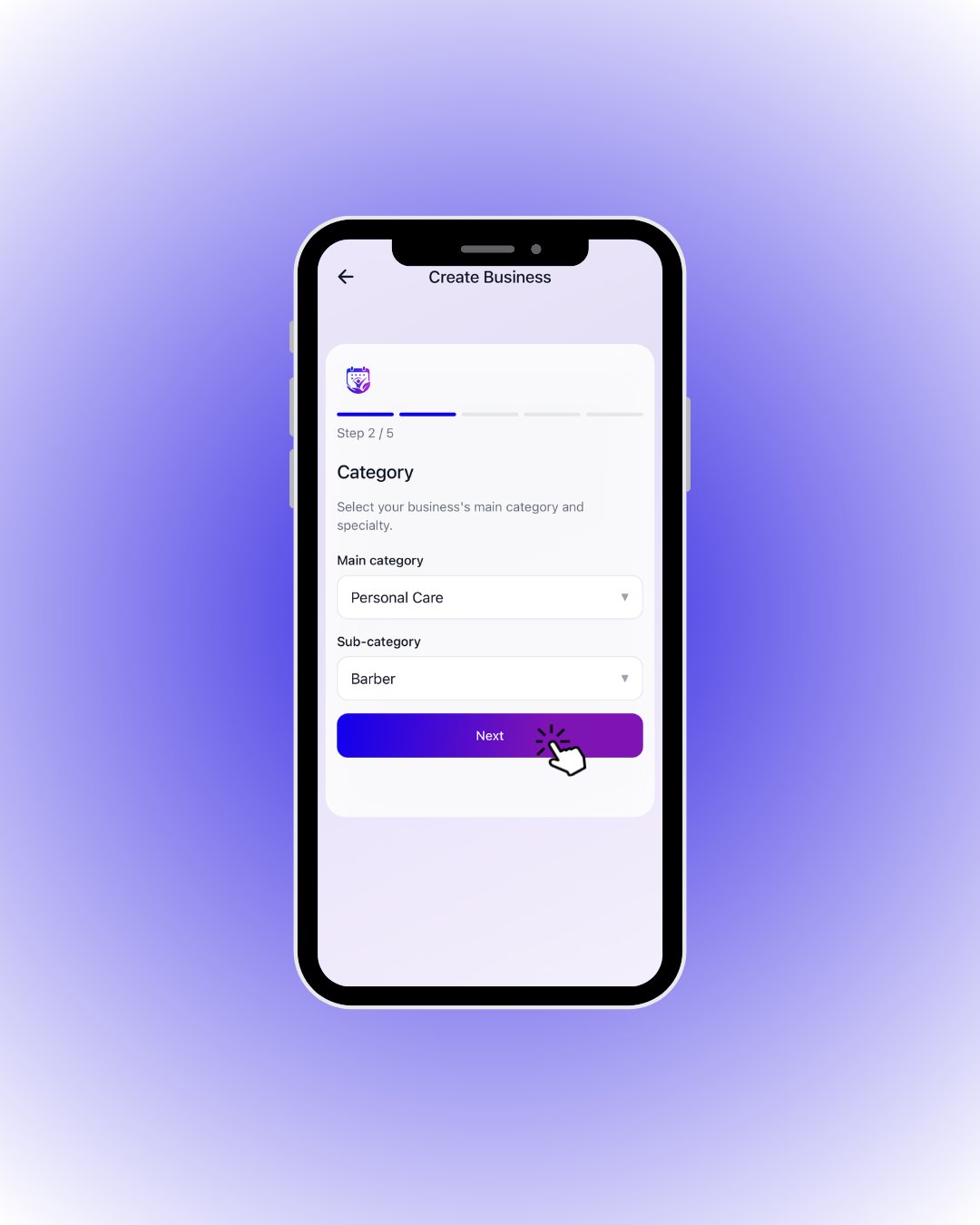
Make your picks and continue with Next.
🔎 Step 2 fields
🔎 Step 2 fields
3
Photos (3/5)
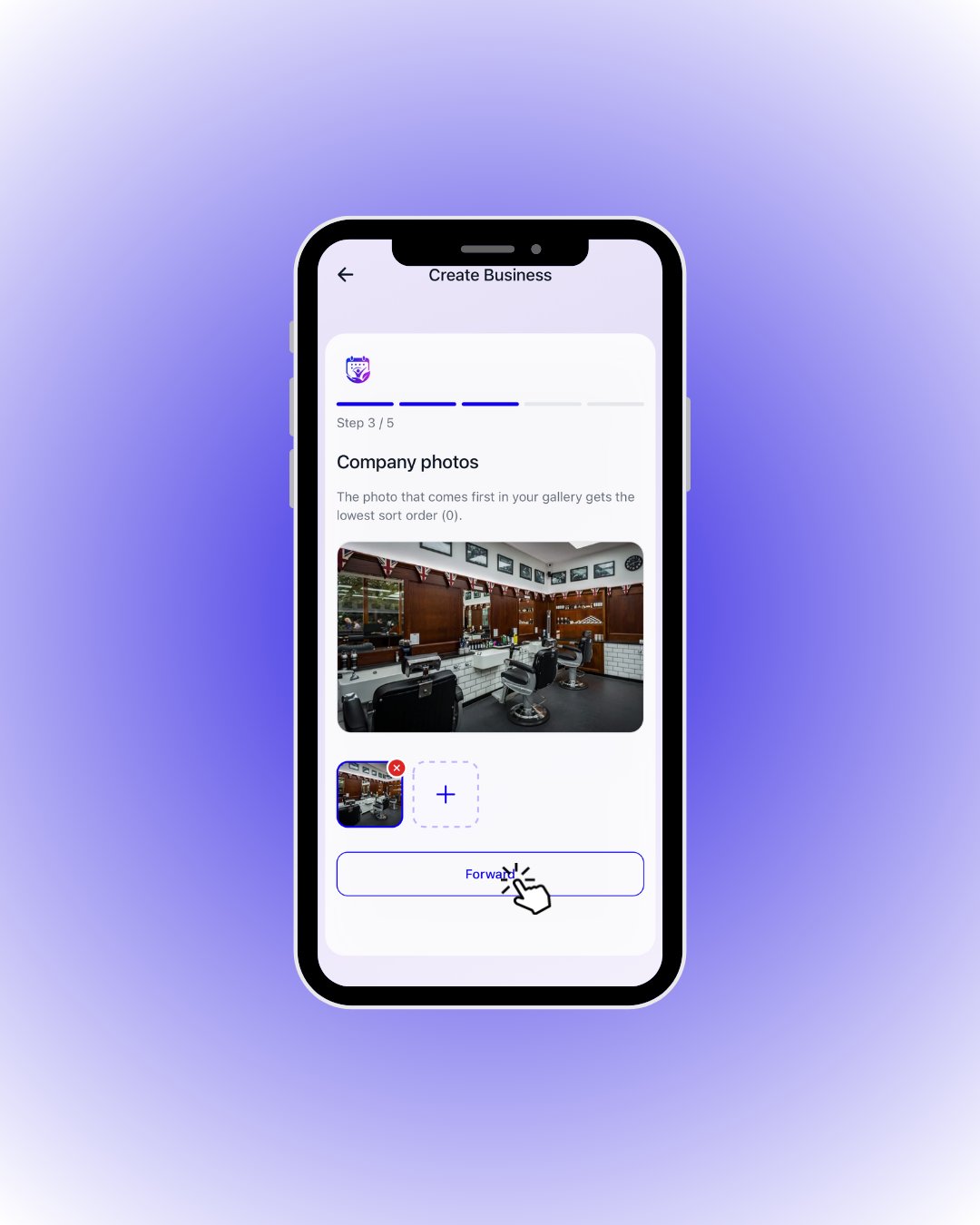
Add photos with the + tile, then tap Forward.
🔎 Step 3 rules
🔎 Step 3 rules
4
Location (4/5)

The Forward button stays disabled until you pick a location with one of the two methods.
🔎 Step 4 options
🔎 Step 4 options
5
Preview & create (5/5)
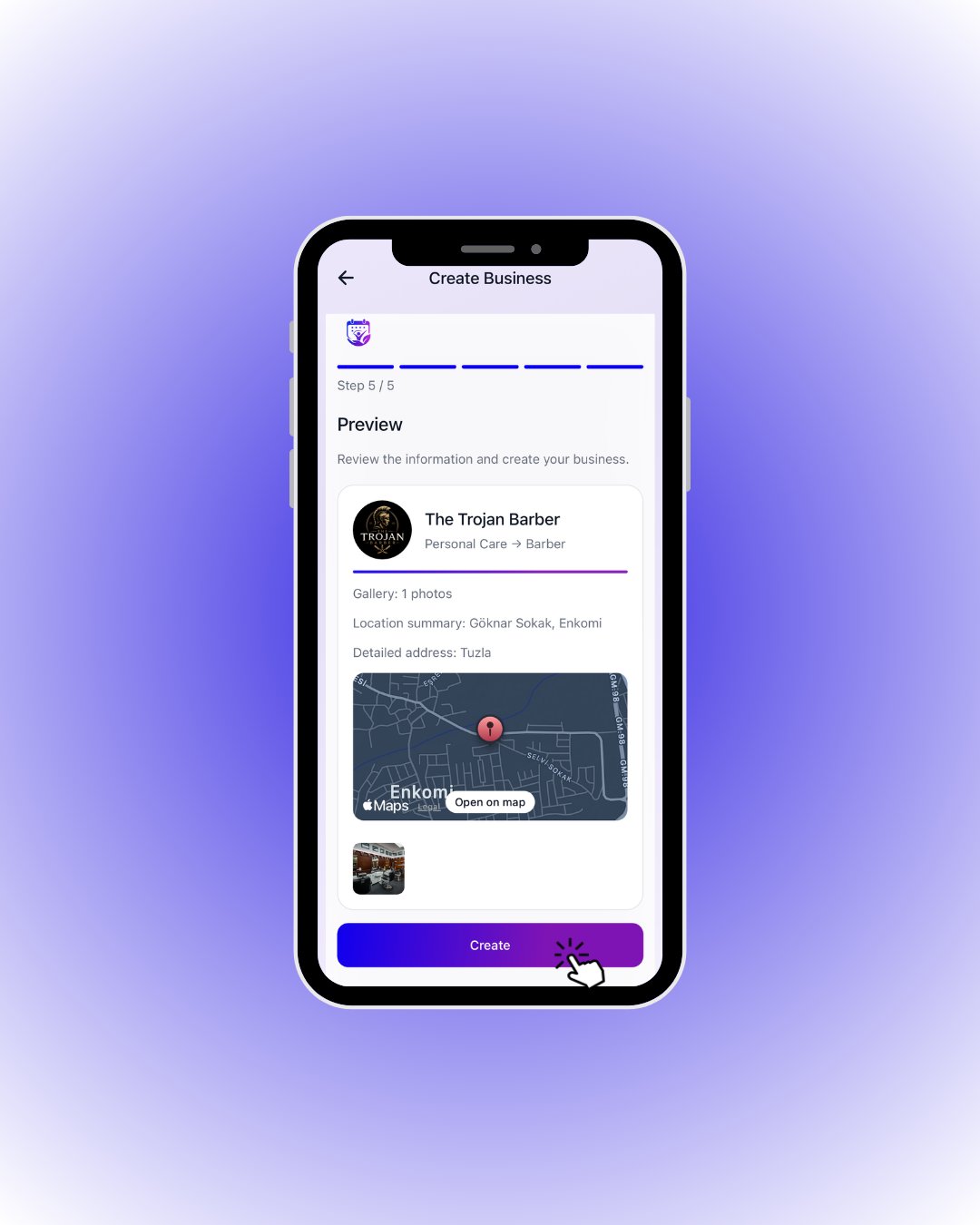
If it all looks right, tap Create — your business is live! 🎉
🔎 What the preview card shows
🔎 What the preview card shows