

Users
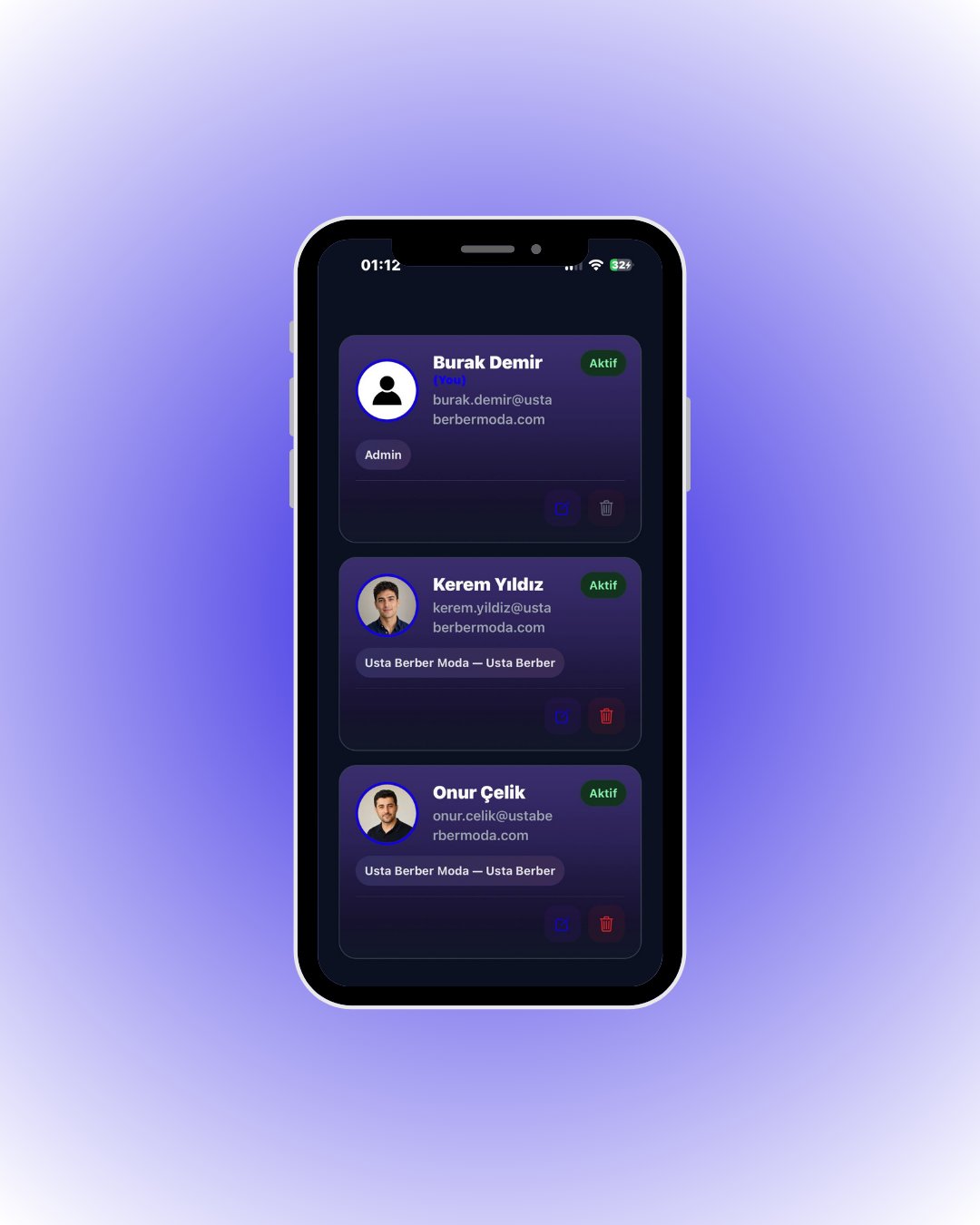
Your team members are listed as elegant cards with photos, roles and status.📱 🧭 Menu: My Business → My Users
1
View your team
Tap the + button in the top right to add a teammate.
2
Add a user
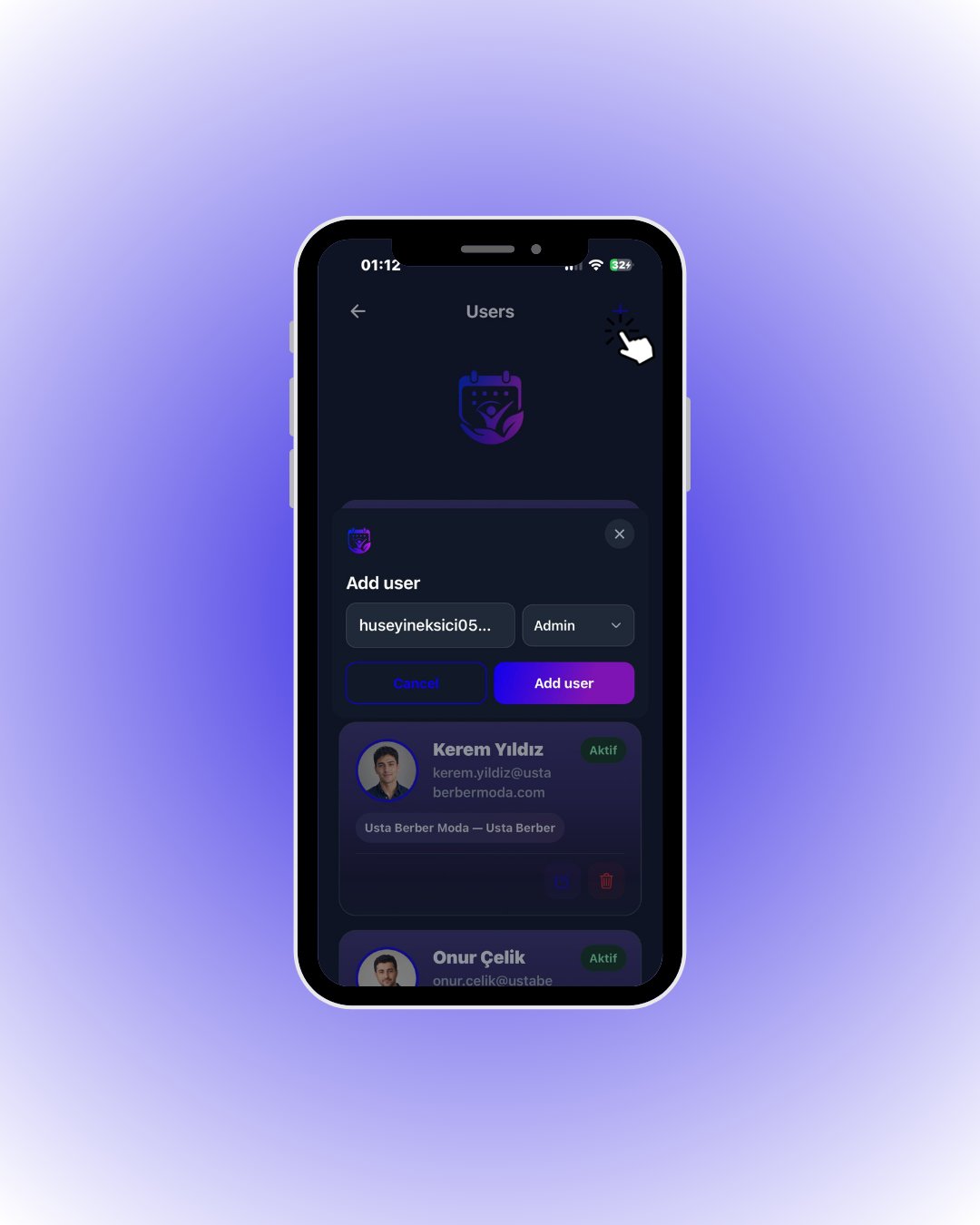
Tap Add user — the invitation is sent.
3
Assign a role
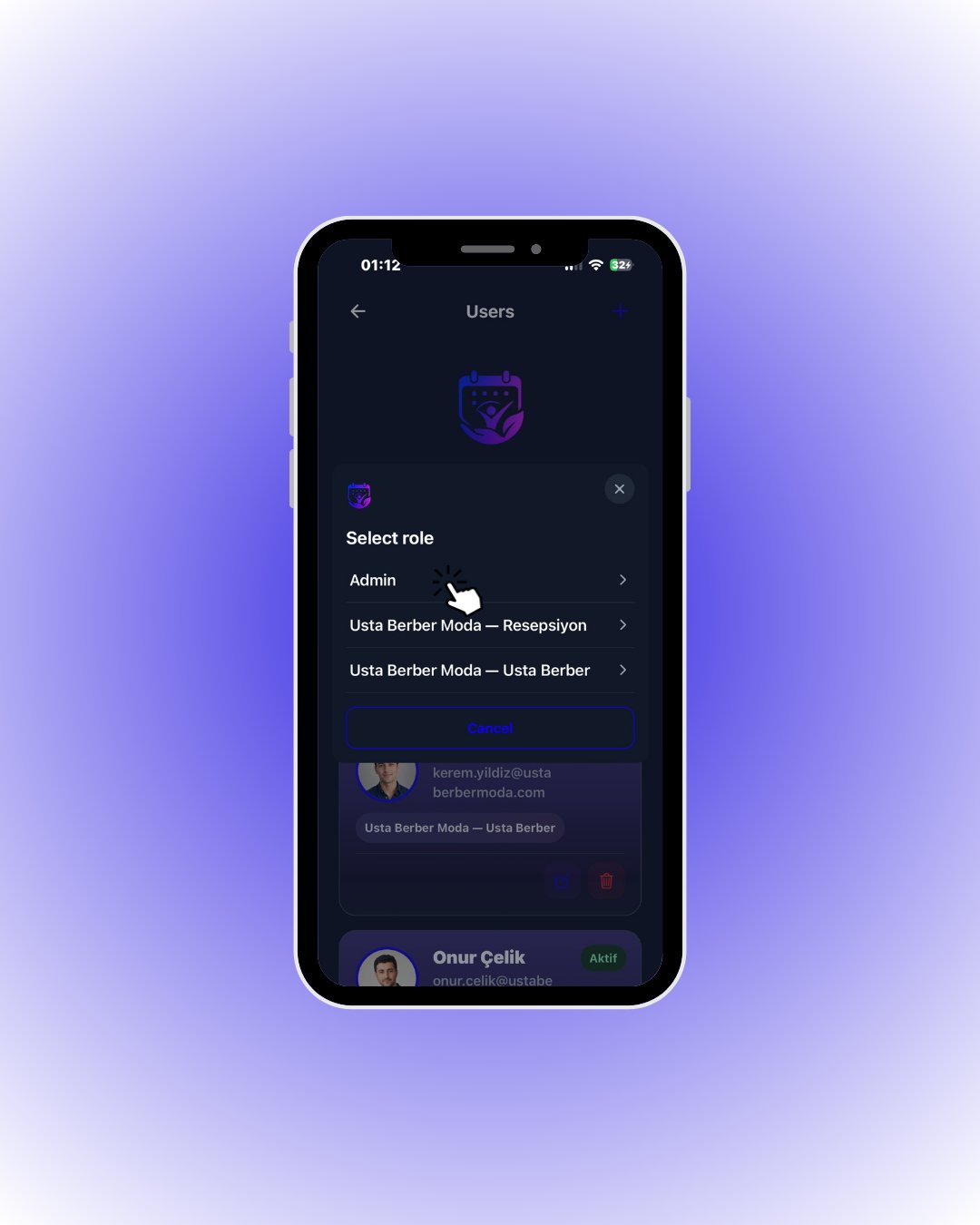
Tap the matching role (e.g. Admin or your custom Reception role).
🔎 Everything on a user card
🔎 Everything on a user card