

Working Hours
The time slots your customers see are generated from the ranges you define here.📱 🧭 Menu: My Business → Edit working hours
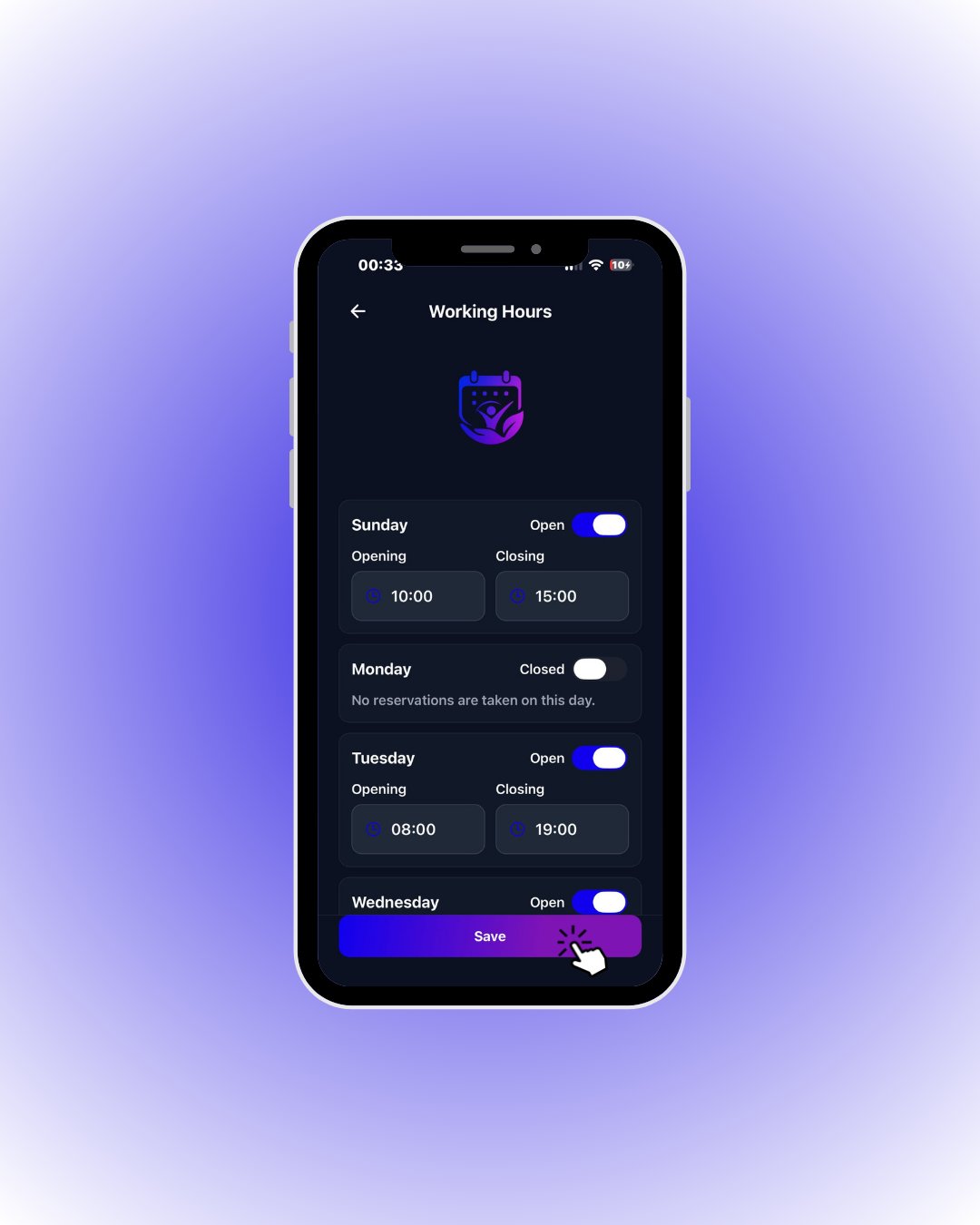
Always tap Save when you are done. Your working hours must be saved before you can start taking reservations — unsaved changes are never shown to customers.
🔎 Every element on this screen
🔎 Every element on this screen