

Roles & Permissions
Roles control exactly what each teammate can see and do in the panel.📱 🧭 Menu: My Business → Permissions
1
View your roles
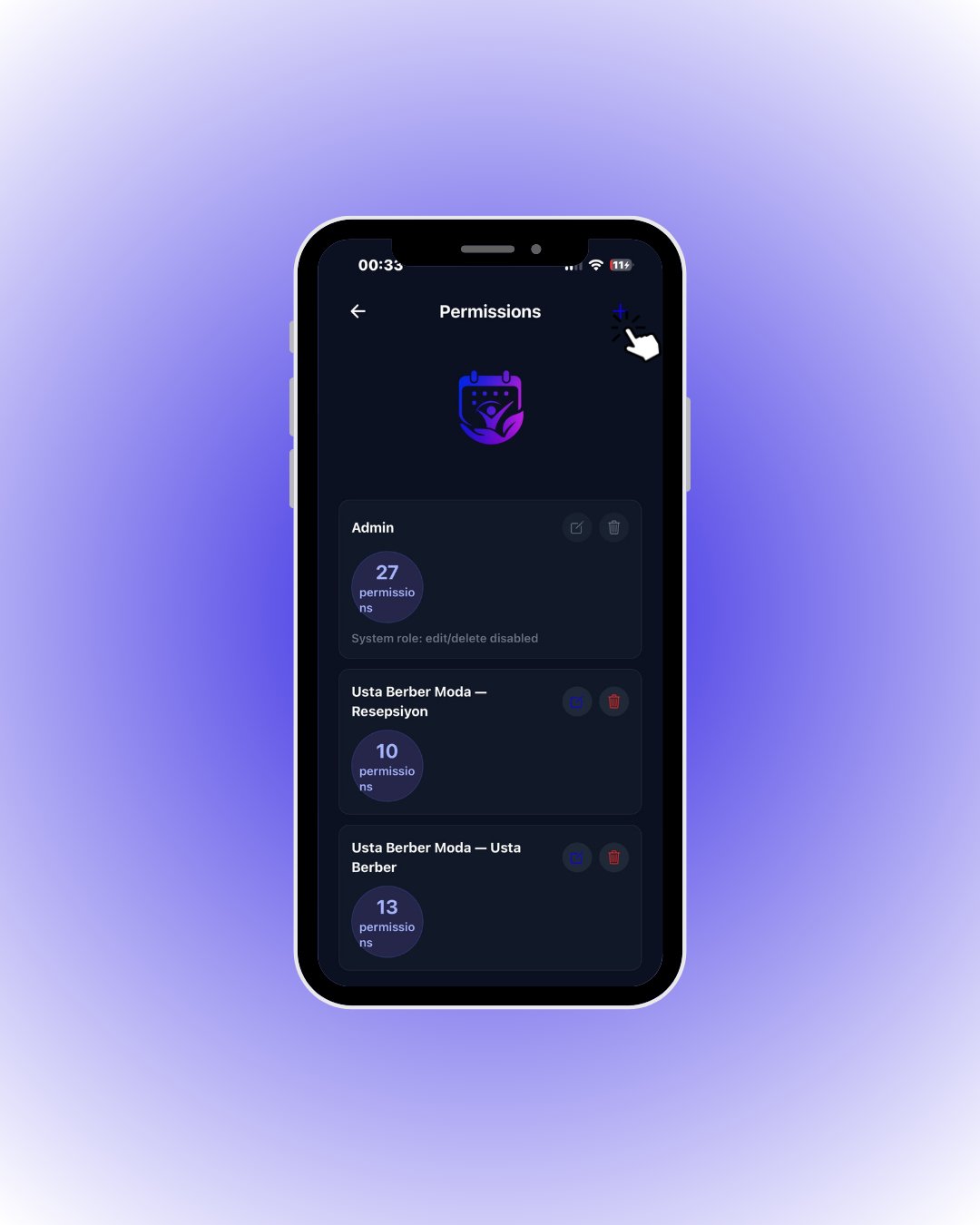
Tap the + button in the top right to create a new role.
2
Create a role
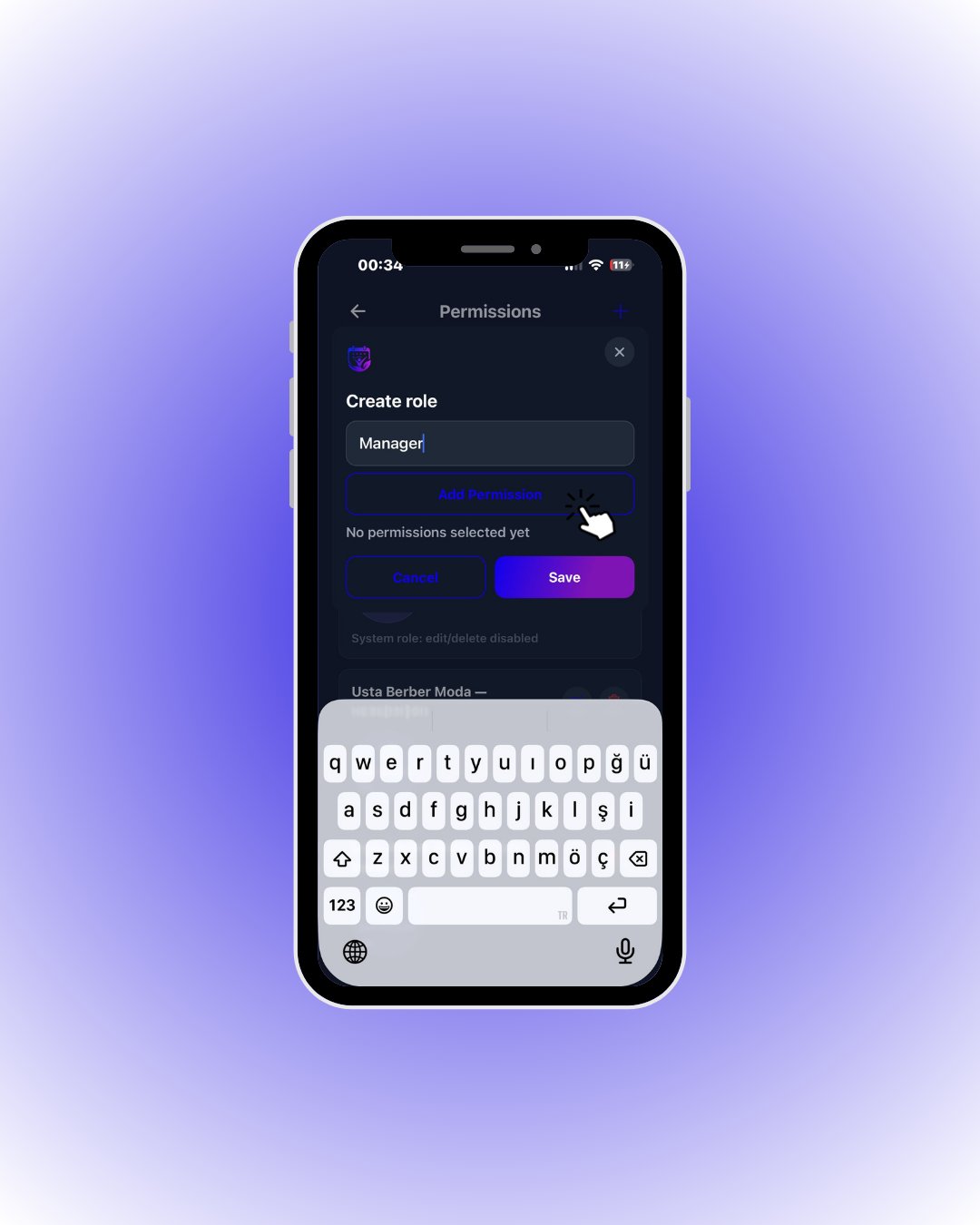
Tap Add Permission to open the permission picker.
3
Pick permissions
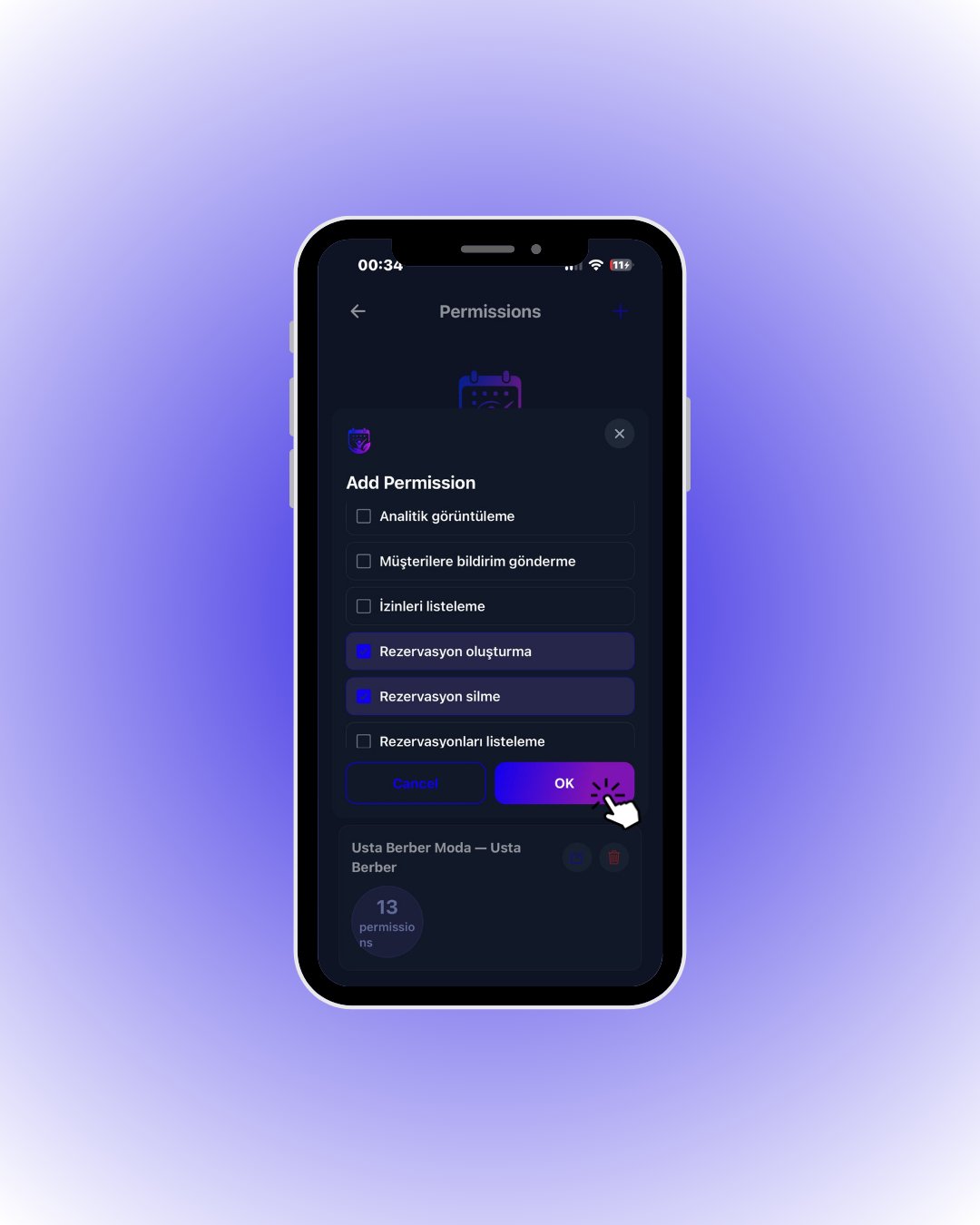
Tap OK when done, then Save to store the role.
🔎 What the permissions mean
🔎 What the permissions mean